
Using Microsoft Office 365

Start using Office 365
Download Office 365 apps
- Go to Microsoft Office 365
- Log in with your zID@ad.unsw.edu.au and zID password
- On the top right corner click Install Office.
Use Office 365 apps online
- Go to Microsoft Office 365
- Log in with your zID@ad.unsw.edu.au and zID password
- Once you've successfully signed in you can launch and begin using any of the Office 365 applications available.
What's included?
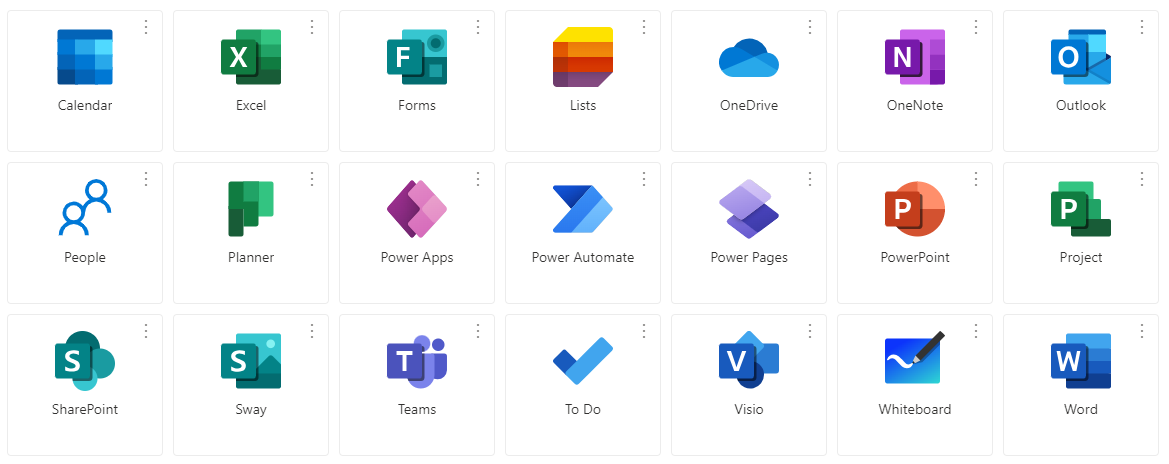
UNSW's Enterprise subscription includes most of the Microsoft Office 365 apps that you need to be most productive. This includes Outlook, Teams, Word, Excel, PowerPoint, OneDrive and Sharepoint, plus more software you may find helpful. You can see a full list of what's available to you on the Office 365 website.
Microsoft support
Find out how to call, direct message and collaborate with your peers using Microsoft Teams. For a fast and easy reference on how to use Teams, with helpful shortcuts and tips, download Microsoft's quick start guide.
Use Microsoft OneDrive for secure file storage and seamless sharing. Access, sync and collaborate on your files from anywhere. for general tips and guides, visit the Microsoft support site.
For help and support using any other Microsoft Office 365 apps, go to Microsoft Support or check out the help section when you sign in to the Office 365 portal.